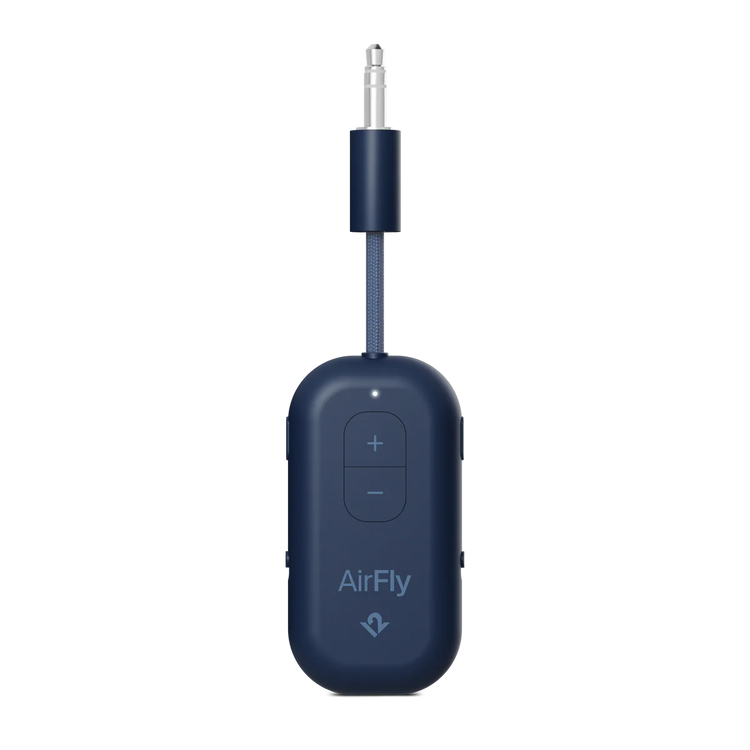
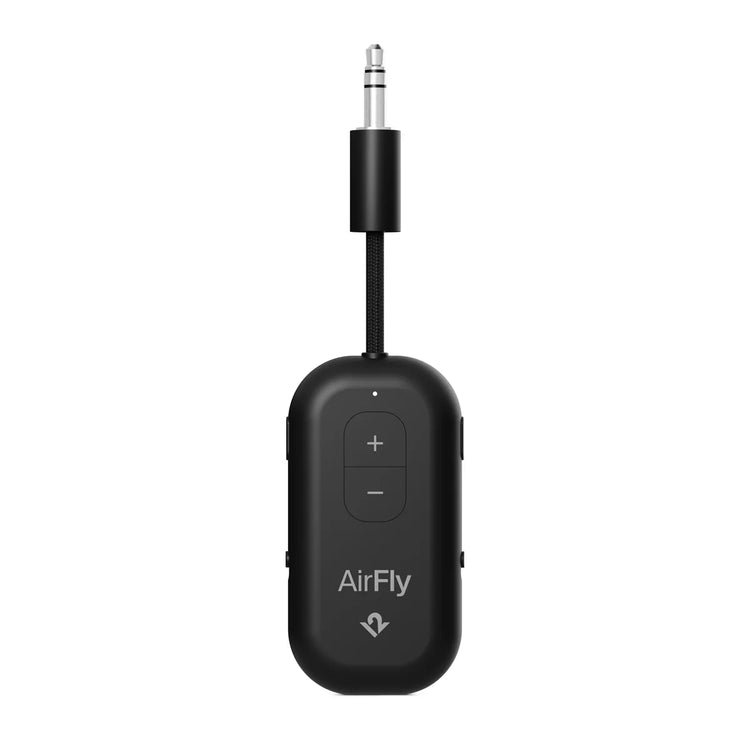
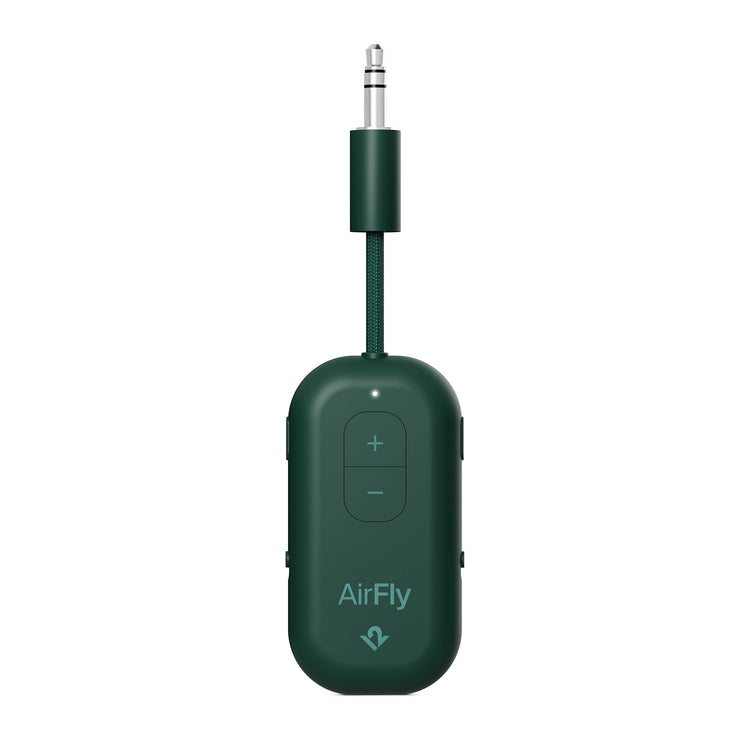
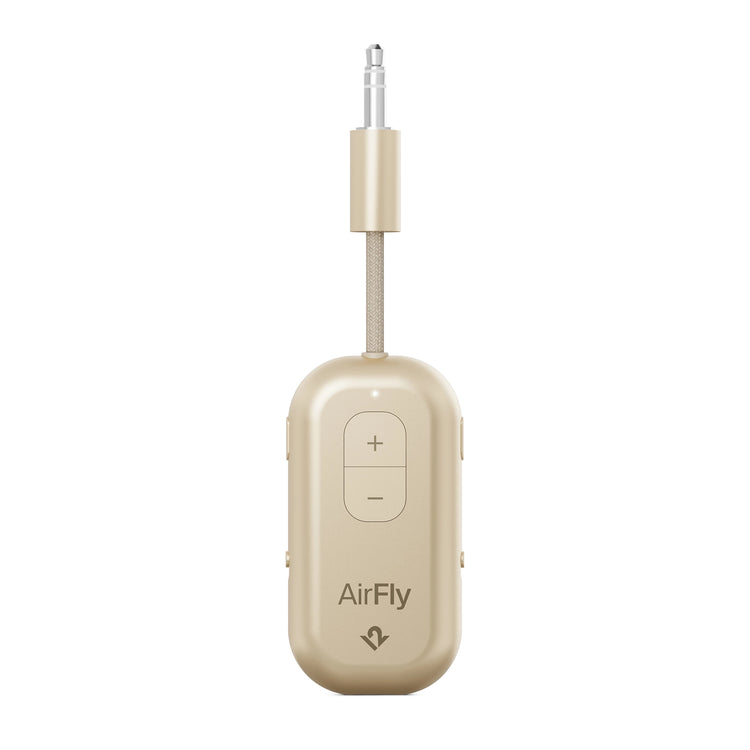
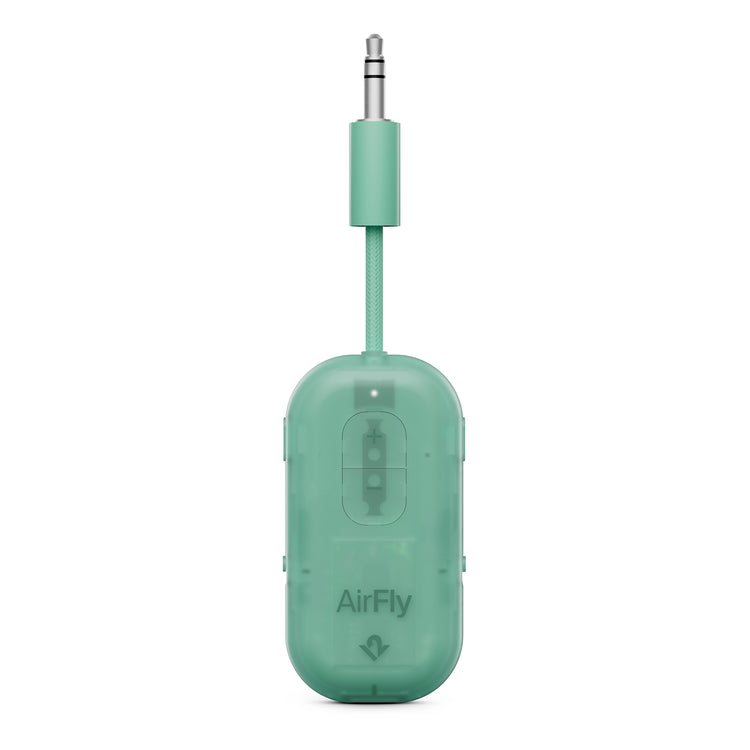
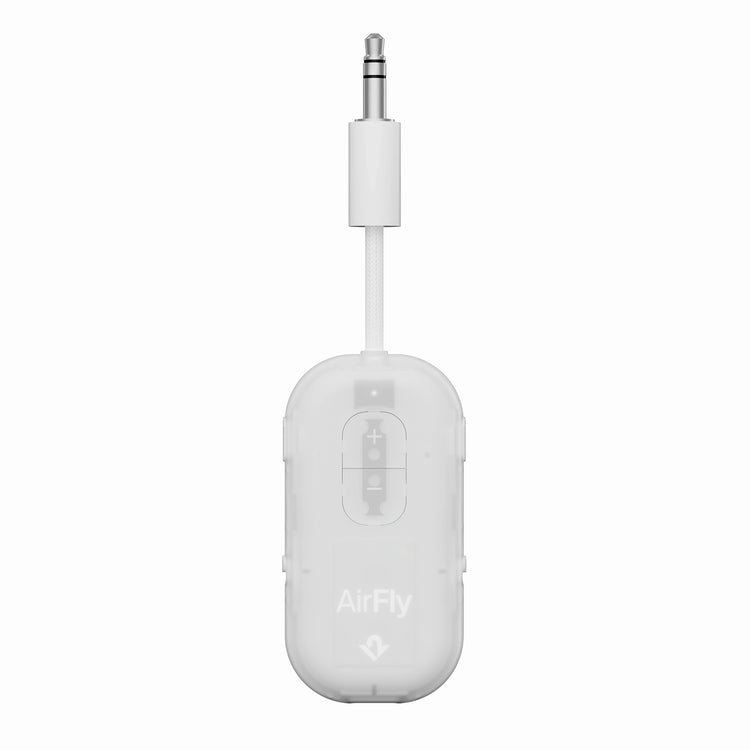
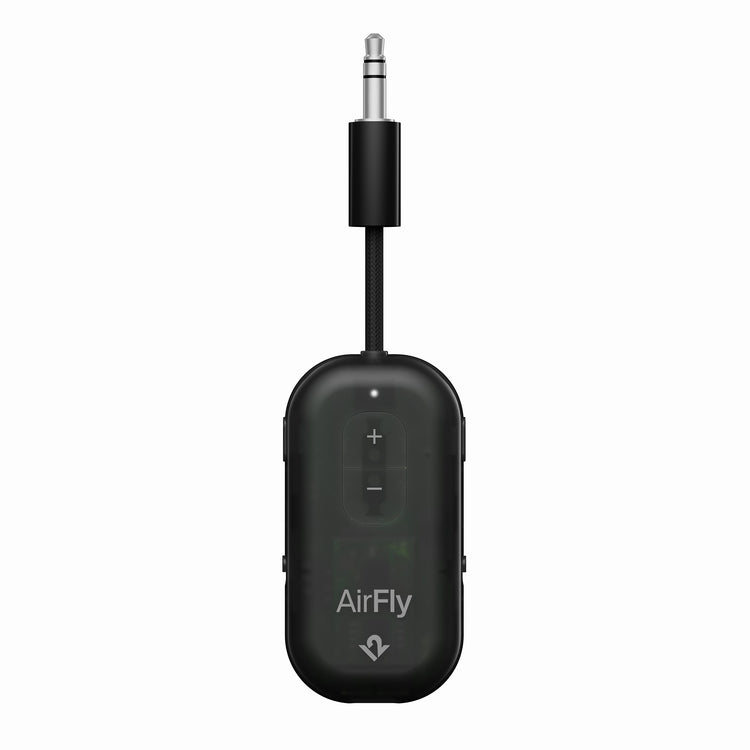
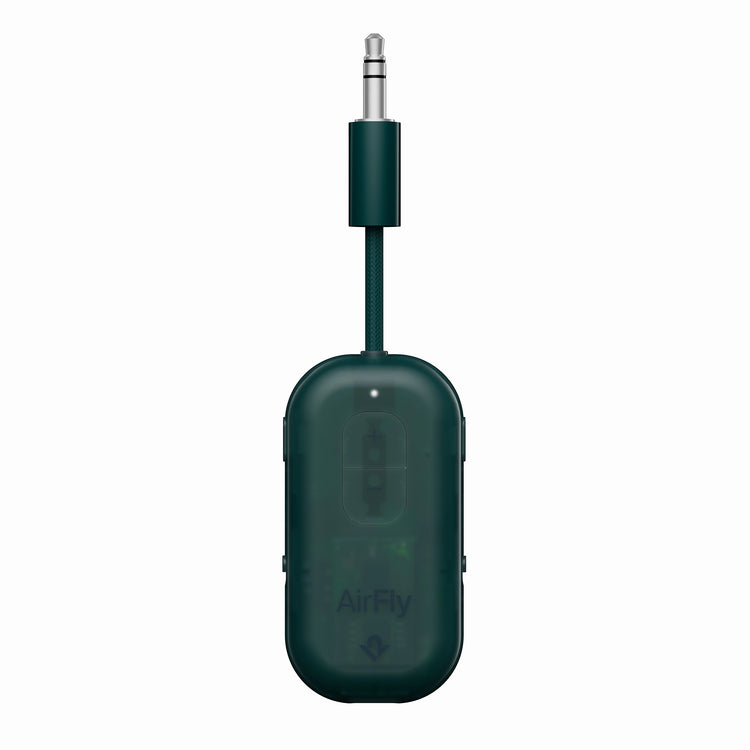
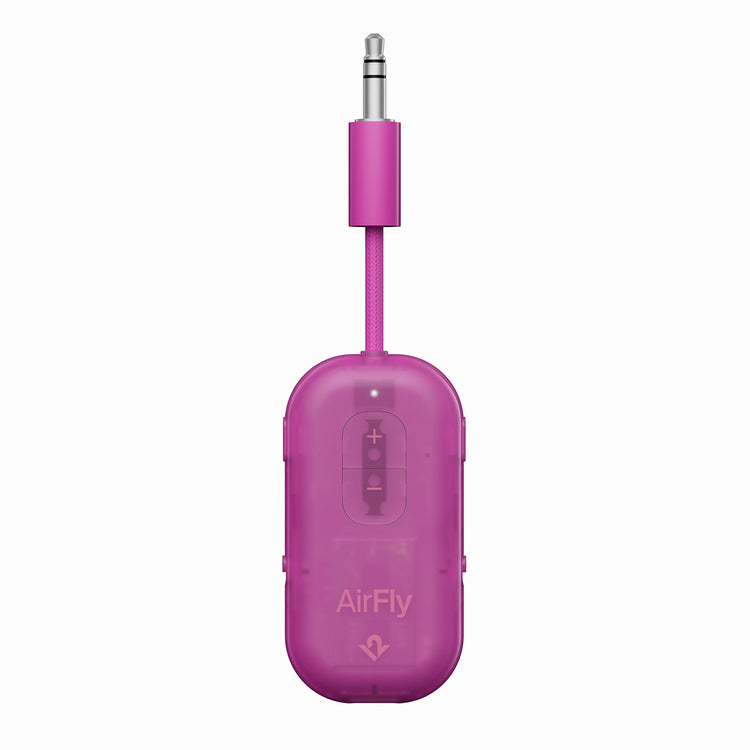
AirFly Pro 2

The Best Just Got Better


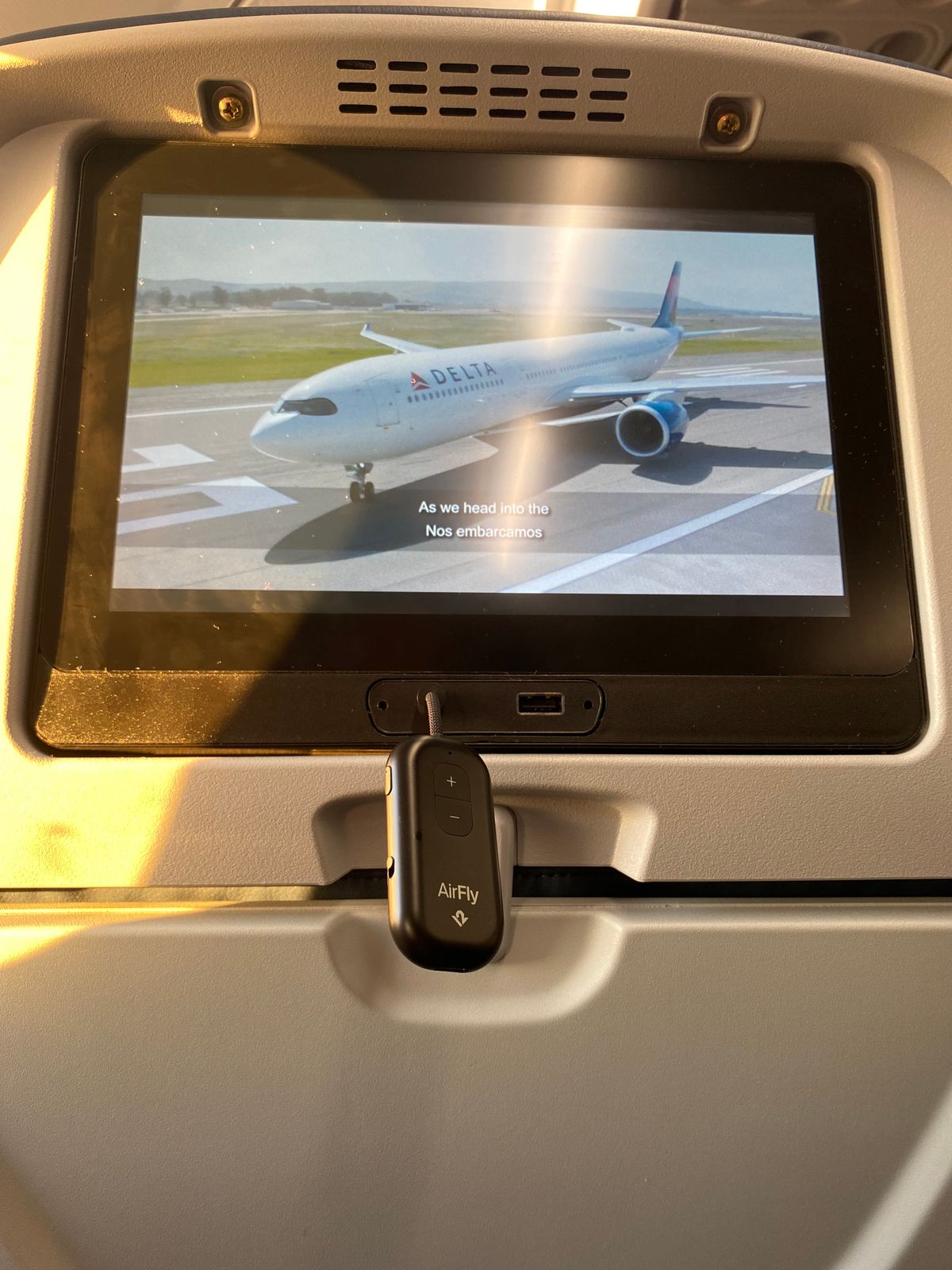
  • Enjoy in-flight entertainment with your favorite wireless headphones
  • Pair two sets of wireless headphones to one device for shared listening
  • Experience superior sound, intuitive controls, and effortless Bluetooth pairing
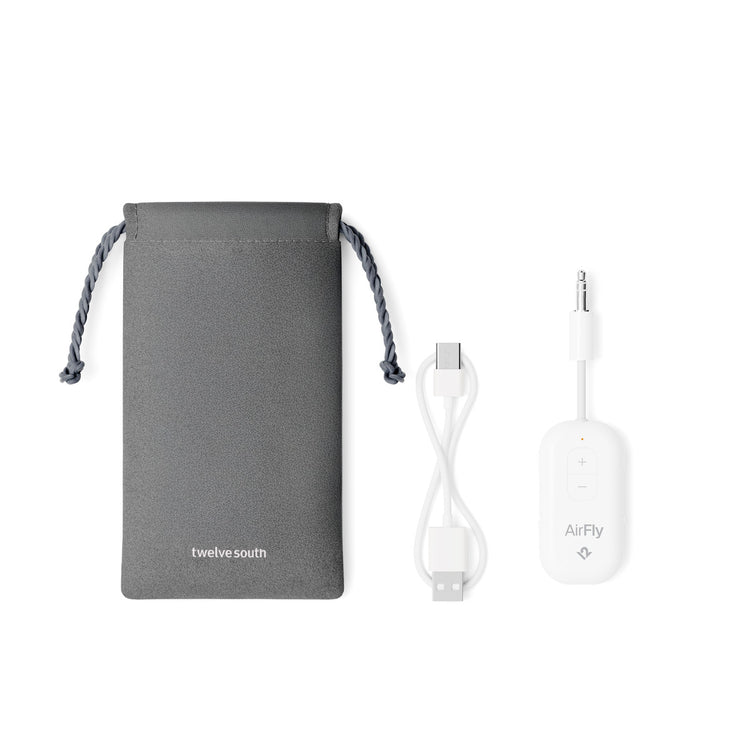
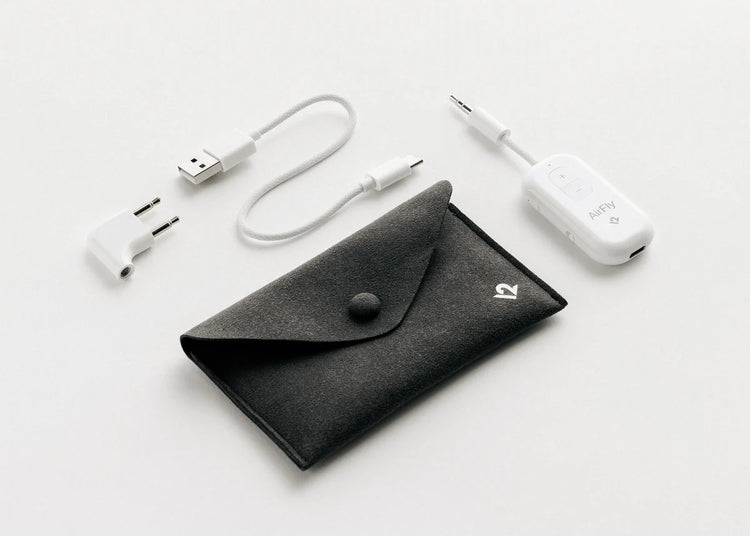
  • 25+ hour battery life, rechargeable via USB-C
  • Works with gym equipment, classic stereos, and more
  • Enjoy in-flight entertainment with your favorite wireless headphones
  • Pair two sets of wireless headphones to one device for shared listening
  • Experience superior sound, intuitive controls, and effortless Bluetooth pairing
  • 25+ hour battery life, rechargeable via USB-C
  • Works with gym equipment, classic stereos, and more
Skip to product information
1 of 16

Regular price
£59.99
Regular price
Sale price
£59.99
AirFly Pro 2AirFly Pro 2AirFly Pro 2AirFly Pro 2AirFly Pro 2AirFly Pro 2AirFly Pro 2AirFly Pro 2AirFly Pro 2AirFly Pro 2AirFly Pro 2AirFly Pro 2AirFly Pro 2AirFly Pro 2AirFly Pro 2AirFly Pro 2

AirFly Pro 2 FAQs

How do I turn on AirFly Pro 2?
To turn on AirFly Pro 2:
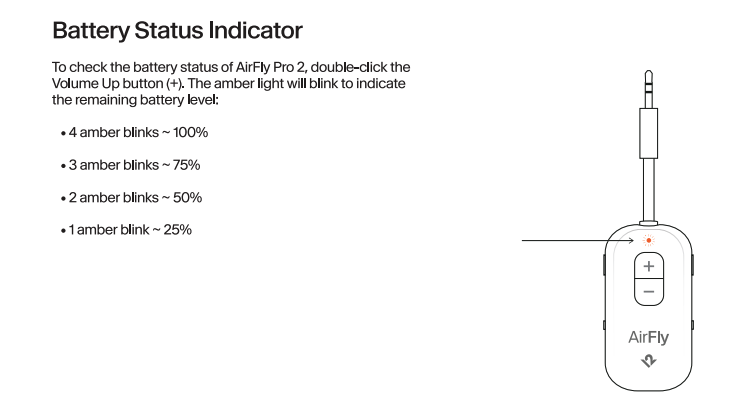
  • Toggle the ON/OFF switch to the ON position.
  • The front light will blink twice to indicate power is on
How do I pair my Bluetooth wireless headphones with AirFly Pro 2?

To pair your Bluetooth wireless headphones with AirFly Pro 2:

  • AirFly Pro 2 defaults to pairing mode when first powered on, with the PAIR 1 light blinking white twice

  1. If pairing doesn’t start automatically, press and hold the PAIR 1 button for 4 seconds. The light will blink amber and white, indicating it's ready to pair 
  2. Once successfully paired, the PAIR 1 light will remain illuminated for 10 seconds.

How to connect two sets of headphones for shared listening?

To connect two sets of headphones for shared listening:

  1. Turn AirFly Pro 2 ON
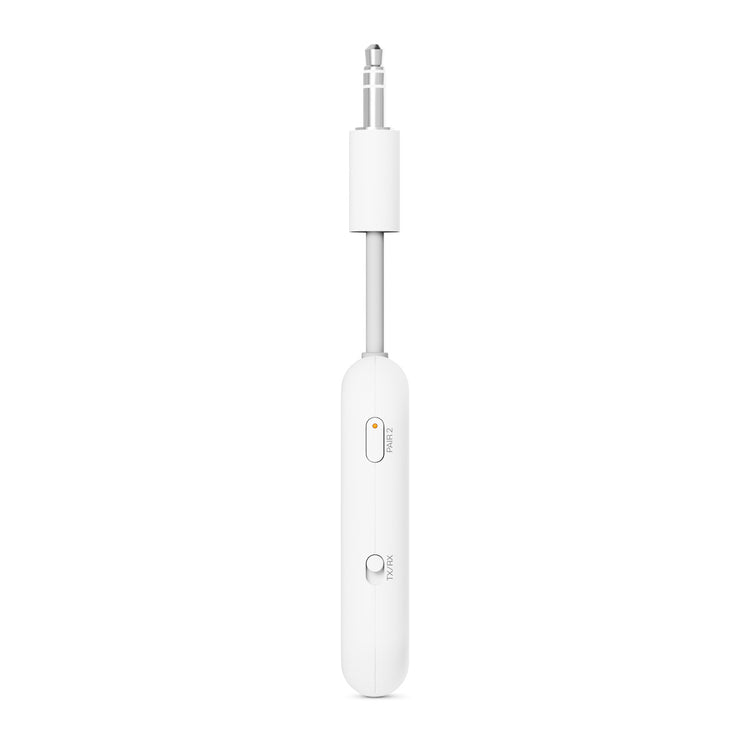
  2. Press and hold the PAIR 2 button for 4 seconds to enter pairing mode. 
  3. PAIR 2 light will illuminate for 10 seconds once the second set of headphones has successfully paired.
How do I switch between transmitting (TX) and receiving (RX) audio modes?

To switch between transmitting (TX) and receiving (RX) audio modes, use the TX/RX toggle button on the side of the device.

  • TX (Transmit Mode): Sends audio from a wired headphone jack (e.g., airplane TV, gym equipment) to wireless headphones
  • RX (Receive Mode): Receives Bluetooth audio from a device (phone, tablet) and plays it through wired speakers or AUX-IN ports 


What’s the battery life, and how long does it take to fully charge?

AirFly Pro 2 Battery Life: 25+ hours 

How long does it take to fully charge AirFly Pro 2?

AirFly Pro 2 fully charges within 2 hours

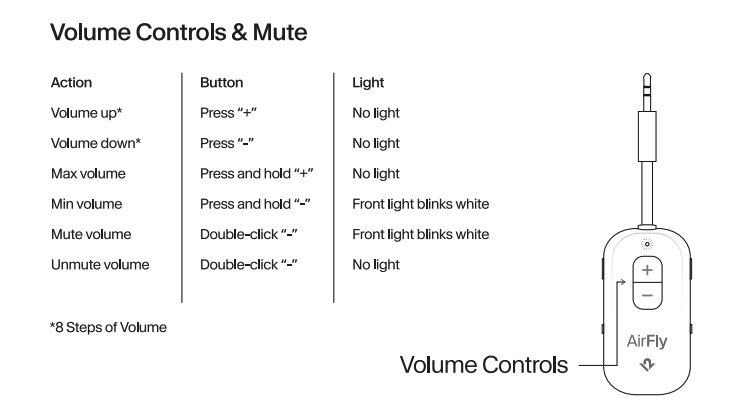
How to mute and unmute AirFly Pro 2?

Double-click the “-” button to mute and unmute AirFly Pro 2.
Do I have to re-pair my headphones every time?

No. Once paired, AirFly Pro 2 will automatically reconnect to the last two devices it was connected to. 
  1. The first device will connect in ~15 seconds
  2. The second device will connect in ~35 seconds 
average rating 4.8 out of 5
Based on 71 reviews
  • 5 Stars
    62 Reviews
  • 4 Stars
    8 Reviews
  • 3 Stars
    0 Reviews
  • 2 Stars
    1 Review
  • 1 Star
    0 Reviews
99% of reviewers would recommend this product to a friend
Customer photos and videos
Review posted
Reviewed by Chris Y.
Verified Buyer
Rated 5 out of 5

Excellent Product!

Used on an unplanned global trip, and it worked without issues!

Loading...
I recommend this product
Was this helpful?

Twelve South EU

Hi Chris, thanks so much for your excellent feedback about AirFly Pro 2! We're absolutely thrilled to hear that it worked flawlessly on your unplanned global trip without any issues. There's nothing better than knowing our product performed reliably when you needed it most, especially during unexpected travel, and we definitely put a lot of thought into creating something that travelers can count on anywhere in the world! We love that AirFly Pro 2 was there for you when it mattered. Thank you for being such a happy customer! 😊

Review posted
Reviewed by James E. N.
Verified Buyer
Rated 5 out of 5

AirFly Pro 2

I had one of these and really liked the ability of it to hold its signal. I got the 2 to see how it does sending the signal to a device and just the same quality sending as well as receiving.

Loading...
I recommend this product
Was this helpful?

Twelve South EU

Hi James, thanks so much for your amazing feedback about AirFly Pro 2! We're thrilled to hear that you were already such a fan of the original and appreciated that strong signal hold, and it's wonderful that you're finding the Pro 2 delivers that same excellent quality for both sending and receiving. We definitely put a lot of thought into maintaining that reliable signal strength while expanding the functionality, so it's great to know you're experiencing exactly what we aimed to achieve! Thank you for being such a loyal and happy customer! 😊

Review posted
Reviewed by Neil B.
Verified Reviewer
Rated 5 out of 5

The best one I've ever had.

I've tried loads of these Bluetooth transmitters over the years, yes it's been the most expensive but the long battery life and all the other claims are very true and make the high price worth it. At the end of the day you get what you pay for, I highly recommend this.

Loading...
I recommend this product
Was this helpful?

Twelve South EU

Hi Neil, thanks so much for your incredible feedback about AirFly Pro 2! We're absolutely thrilled that after trying loads of Bluetooth transmitters over the years, you've found ours to be the best one you've ever had! It's wonderful to hear that you're experiencing the long battery life and finding all our claims to be very true, we definitely put a lot of thought into creating a premium product that truly delivers on its promises. We really appreciate you recognizing that the quality justifies the investment and that you highly recommend it to others. Thank you for being such a happy customer! 😊